


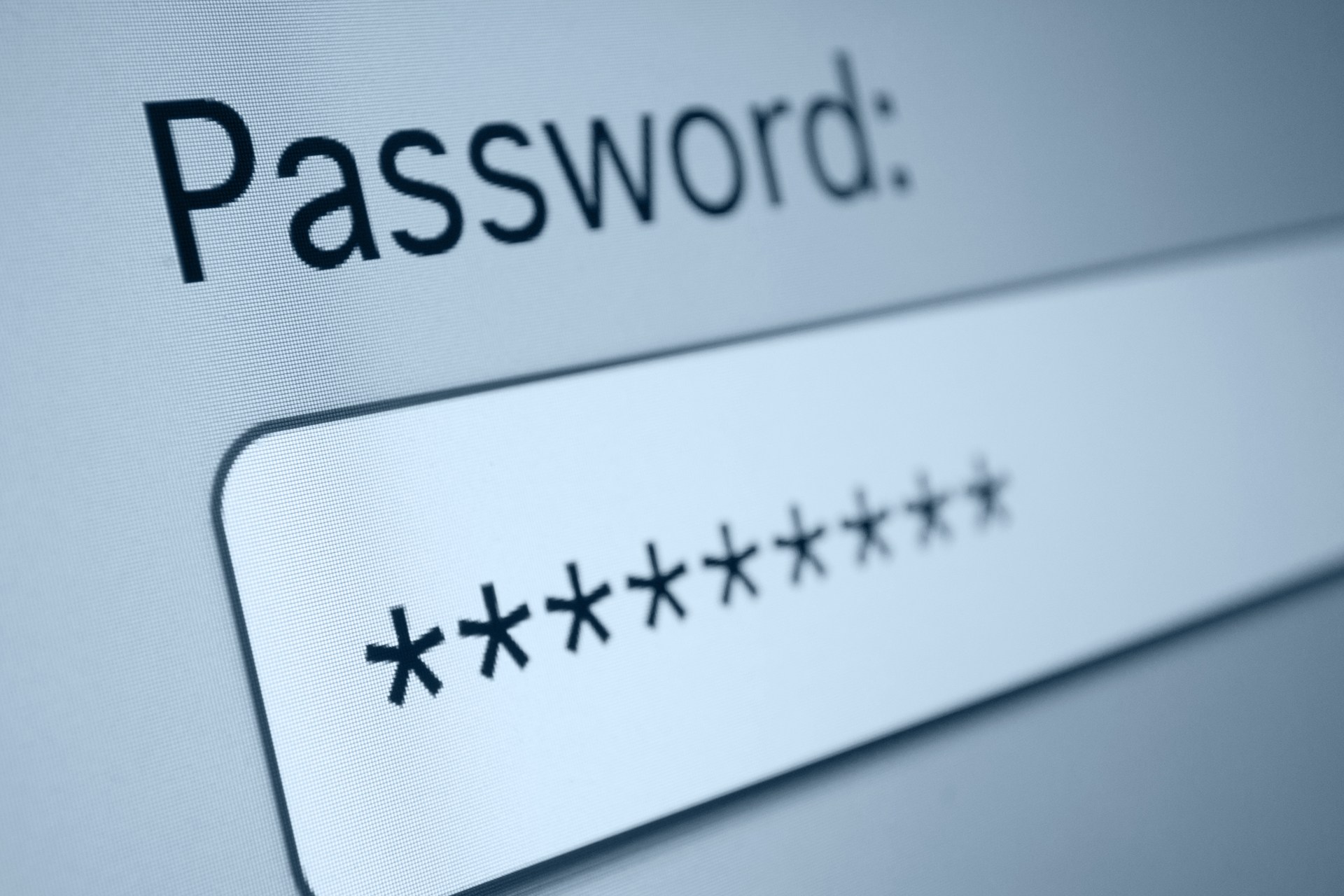


 On World Password Day, India’s largest lender State Bank of India (SBI) has asked its’ customers to imbibe safe internet banking practices in a bid to protect their bank account.
Every year, the first Thursday of May is celebrated as World Password Day. The day is observed to promote better password and security moves.

In its official communiqué, the SBI emphasised on three Ps namely ‘Protect your account’, ‘Preserve your privacy’ and ‘Prevent identity theft’. It further said that with every augmentation in technology, there has always been backdoor available with cyber fraudsters and scammers for fooling citizens in stealing their financial credentials.
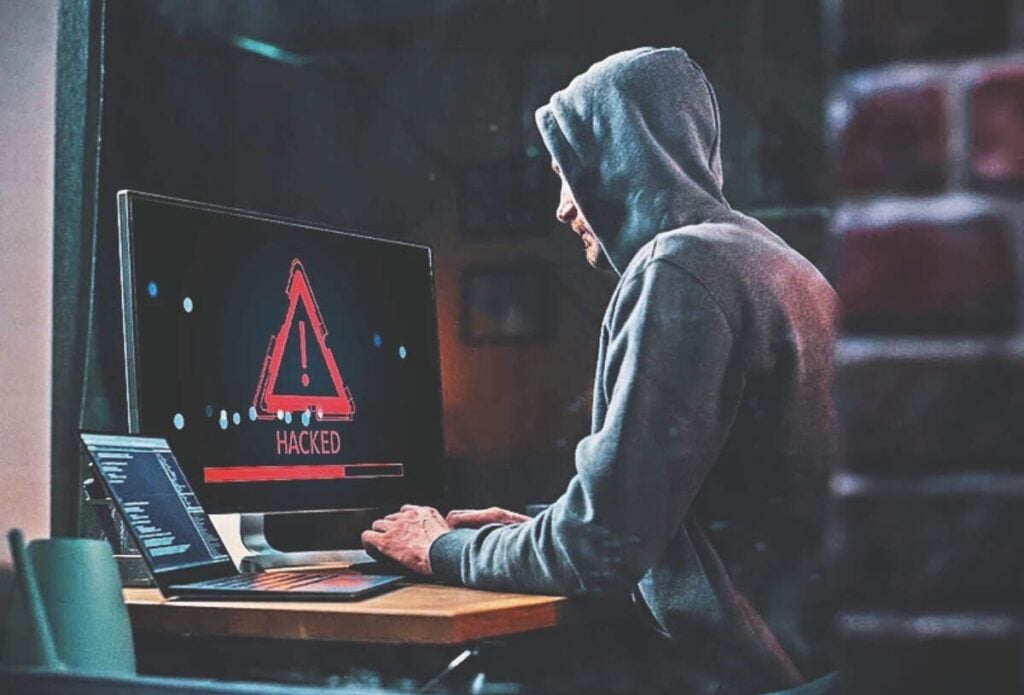
It termed hacking bank account, phishing scams, virus in computer and mobile application as some of the commonly used techniques to steal money virtually. It has directed its customers to secure their internet banking, bank account and mobile banking. The lender has also issued some security tips for the customers to avail hassle free online banking.
Here’s SBI security tips:

- Always access your bank website only by typing the URL (Web link) in the address bar of your browser.
- Stay alert while downloading anything from the internet. Don’t download any malicious application from mobile application stores (Google Playstore, Apple App Store, Blackberry App World, Ovi Store, Windows Marketplace etc) that are promising to offer Online Banking. Kindly check their authenticity before downloading, by contacting your bank.
- Avoid clicking on the links on any e-mail message to access the site.
- SBI or any of its representatives never sends you email/SMS or calls you over phone to fetch your personal information, password or one time SMS (high security) password. Any such e-mail/SMS or phone call is a fraudulent attempt to withdraw money from your account through Internet Banking. Never respond to any such email/SMS or phone call. In case of any such experience, report immediately. Lock your user access immediately, if you have accidentally revealed your credentials.
- If you receive an e-mail/SMS/phone call promising reward for providing your personal information or for updating your account details in the bank site, do not be lured. Stay alert.
- Having the following will improve your internet security:
- Newer version of Operating System with latest security patches.
- Latest version of Browsers (IE 7.0 and above, Mozilla Firefox 3.1 and above, Opera 9.5 and above, Safari 3.5 and above, Google chrome,etc.)
- Firewall is enabled.
- Antivirus signatures applied
- Always scan your computer regularly with Antivirus to ensure that the system is Virus/Trojan free.
- Change your Internet Banking password at periodical intervals.
- Always check the last log-in date and time in the post login page.
- Avoid accessing Internet banking accounts from cyber cafes or shared PCs.
- After you have logged in, you will not be asked to provide your username and login password again. Also, you will not be asked to provide your CREDIT or DEBIT CARD details while using internet banking. If you get a message (such as through a pop-up) asking for such information, please do not provide this information no matter how ‘genuine’ the page appears to be. Such pop-ups are most likely the result of malware infecting your computer. Take immediate steps to disinfect your device.